
Wireless Performance Assessment
We review your current router, connection settings, device behavior, available bandwidth, and common problem areas to identify what may be limiting network performance.
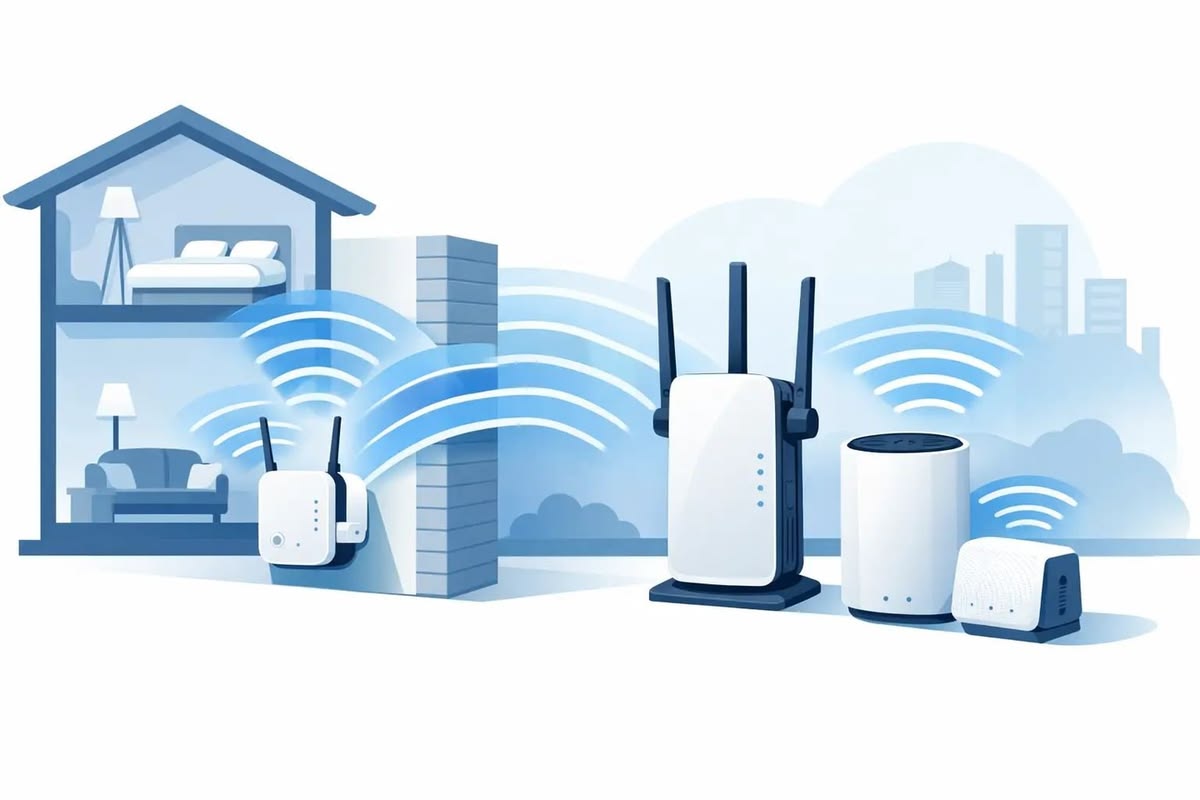
Slow wireless speeds, weak signals, crowded channels, and frequent connection drops can interrupt daily business operations. Computer Service provides remote Wi-Fi optimization across the USA to help businesses improve network performance without waiting for an on-site technician.
Business wireless networks can slow down because of poor router settings, overloaded channels, unsuitable access point placement, outdated configurations, or too many devices competing for the same connection. Our remote service focuses on the areas that directly affect everyday Wi-Fi performance.
We review your current router, connection settings, device behavior, available bandwidth, and common problem areas to identify what may be limiting network performance.
We help adjust compatible router settings that can influence wireless speed, reliability, frequency selection, and overall network behavior.
Get remote guidance for configuring compatible wireless access points for better business coverage, device distribution, and network consistency.
We help identify weak coverage areas and recommend configuration or placement adjustments that can improve connectivity across the workspace.
Nearby networks and overlapping channels can affect Wi-Fi quality. We help review available wireless channels and guide you toward settings that may reduce unnecessary interference.
We assist with Wi-Fi connection issues affecting laptops, desktops, printers, smartphones, tablets, and other compatible workplace devices.


Many wireless performance problems come from network settings rather than damaged equipment. Our remote support approach allows us to review configurations, troubleshoot connection behavior, and recommend practical changes while your equipment stays in place.
We evaluate the Wi-Fi environment you already use instead of applying the same configuration to every business.
Our specialists explain recommended changes clearly so you know what is being adjusted and why it may improve network per
As businesses add laptops, printers, phones, smart devices, and employee systems, Wi-Fi demand increases. We help evaluate settings that support a busier network environment.
Random network changes can make wireless problems harder to diagnose. We follow a structured approach that separates symptoms from likely causes before recommending configuration changes.
Employees experience acceptable Wi-Fi at certain times but slower performance when more devices connect.
Some rooms or work areas receive noticeably weaker wireless coverage than others.
Laptops, printers, phones, or other devices repeatedly lose their wireless connection.
A device may show a good Wi-Fi signal while browsing, cloud applications, calls, or file transfers remain slow.
We compare affected devices, locations, frequencies, network usage, and router behavior to narrow down the source of the issue.
We check relevant software and network settings first so businesses do not replace equipment unnecessarily.
We guide you through practical changes that match the issue found during the remote review.
Our remote process gives businesses a structured way to investigate wireless performance without making random changes across the network.
Explain whether you are experiencing slow speeds, weak coverage, dropped connections, device issues, or inconsistent performance.
We gather relevant information about your router, access points, connected devices, wireless frequencies, and network configuration.
Our specialist guides you through appropriate configuration changes based on the network conditions identified during the review.
We help check whether speed, stability, coverage, or device connectivity has improved after the recommended adjustments.
Get clear answers about our web design services, project process, responsive layouts and website requirements before getting started.
We can help investigate slow wireless speeds, connection drops, weak coverage, router settings, access point configuration, channel congestion, device connection issues, and other configuration-related Wi-Fi concerns.
Yes. Computer Service provides remote Wi-Fi optimization for eligible businesses across the USA. Because the service is remote, your location does not usually require an onsite technician.
Yes. We can review network behavior when multiple employees and devices share the connection and help identify configuration issues that may contribute to congestion or inconsistent performance.
We can assist with configuration and optimization for many commonly used routers and compatible access points. Available options depend on the equipment model, administrative access, and network environment.
Wi-Fi configuration can influence connection quality for cloud software, VoIP calls, video meetings, file transfers, and browser-based applications. We can investigate the wireless side of the connection and identify settings that may be affecting performance. Internet service limitations or third-party platform issues may require support from the relevant provider.