
Two-Factor Authentication Setup
Set up two-factor authentication on compatible online accounts using supported verification methods, helping add an additional confirmation step when signing in from new or unrecognized devices.
Protect important online accounts with an additional verification step beyond your password. We help individuals and families set up and manage two-factor authentication across compatible email accounts, cloud services, financial platforms, social media and other supported online services.
From reviewing account security settings and enabling supported verification methods to configuring authenticator apps, recovery options and trusted devices, our two-factor authentication setup services help create an additional layer of protection for important accounts and reduce dependence on passwords alone.
Set up two-factor authentication on compatible online accounts using supported verification methods, helping add an additional confirmation step when signing in from new or unrecognized devices.
Configure a compatible authenticator application for supported online accounts, providing time-based verification codes without relying entirely on text message authentication.
Enable available two-factor authentication and review recovery options for important email accounts, helping improve protection for accounts often connected to other online services.
Review and configure available recovery methods, backup codes and account recovery information so supported accounts can be accessed more easily if your primary verification device is unavailable.
Review and enable two-factor authentication across multiple compatible accounts, helping create a more consistent security approach for important online services.
Review existing account security settings, verification methods and recovery options to identify accounts that may not have additional login protection enabled.

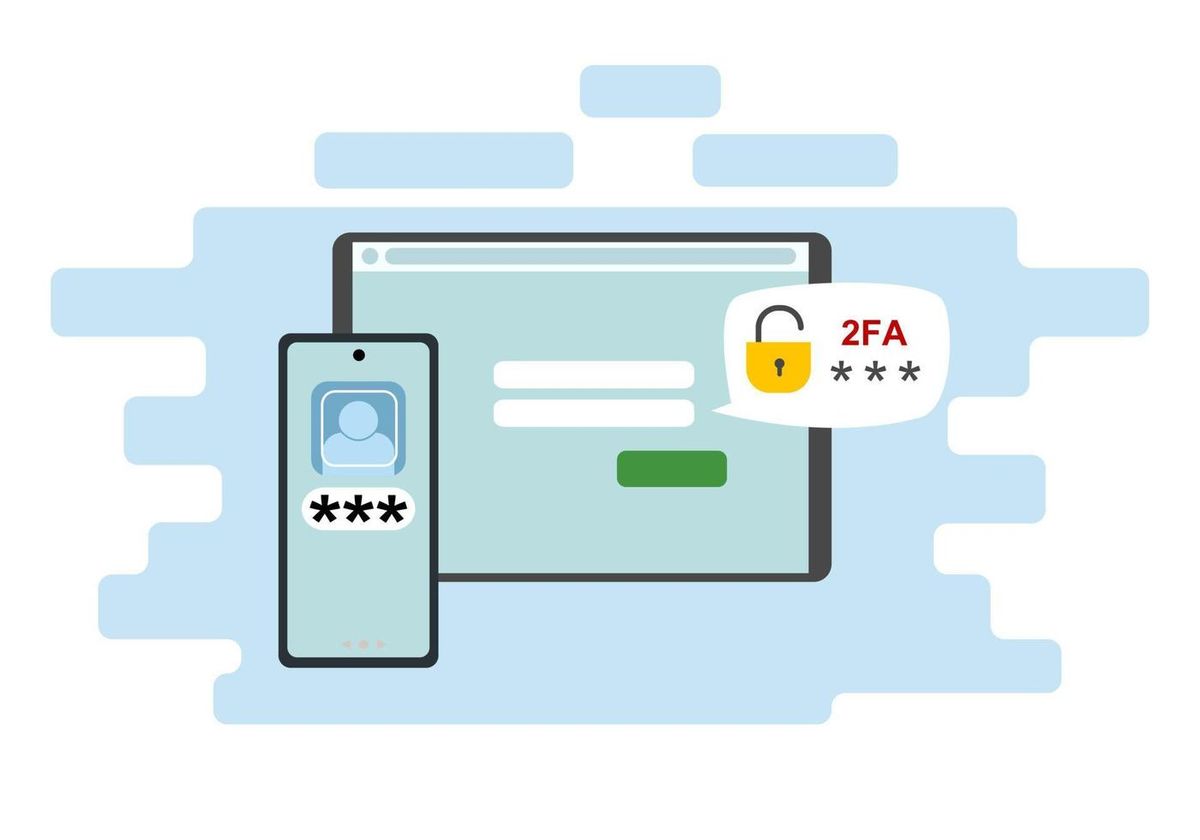
Passwords alone may not always be enough to protect important online accounts. We focus on identifying accounts that need additional security, selecting suitable supported verification methods and organizing recovery options so your account protection is practical and manageable.
We review the online accounts you use and identify compatible security options before configuring two-factor authentication, helping prioritize accounts that contain important information or provide access to other services.
We help configure supported verification methods so signing in can require an additional confirmation beyond your password when access conditions require it.
We organize verification methods, authenticator applications and recovery information so your security setup remains practical as you continue using different devices and online accounts.
Online accounts can provide access to email, personal files, financial services, social media and many other important areas of your digital life. When accounts rely only on passwords, unauthorized access may become easier if login details are exposed. A structured two-factor authentication setup adds another verification step and helps create a stronger approach to protecting important accounts.
Using only a password for important accounts can create additional risk if login details are guessed, reused, exposed or obtained through unauthorized activity.
Online services offer different verification methods and security options, making it difficult to understand which accounts have two-factor authentication enabled and which still rely only on passwords.
Changing phones, losing a device or removing an authenticator app without recovery planning can make it difficult to access accounts protected by additional verification.
Backup codes, recovery email addresses and other account recovery methods may be missing or outdated, creating additional challenges when access to a primary verification method is unavailable.
We enable supported two-factor authentication methods for compatible accounts, helping create an additional verification requirement beyond the account password.
We focus on configuring suitable verification methods and authenticator applications so account security can be managed more easily across supported services and devices.
We review available recovery options and backup information to help reduce access problems if your primary phone or verification method becomes unavailable.
Our two-factor authentication process begins by identifying the important online accounts you use. We then review available security options, configure supported verification methods, organize recovery information and review the overall setup to help make account protection more manageable.
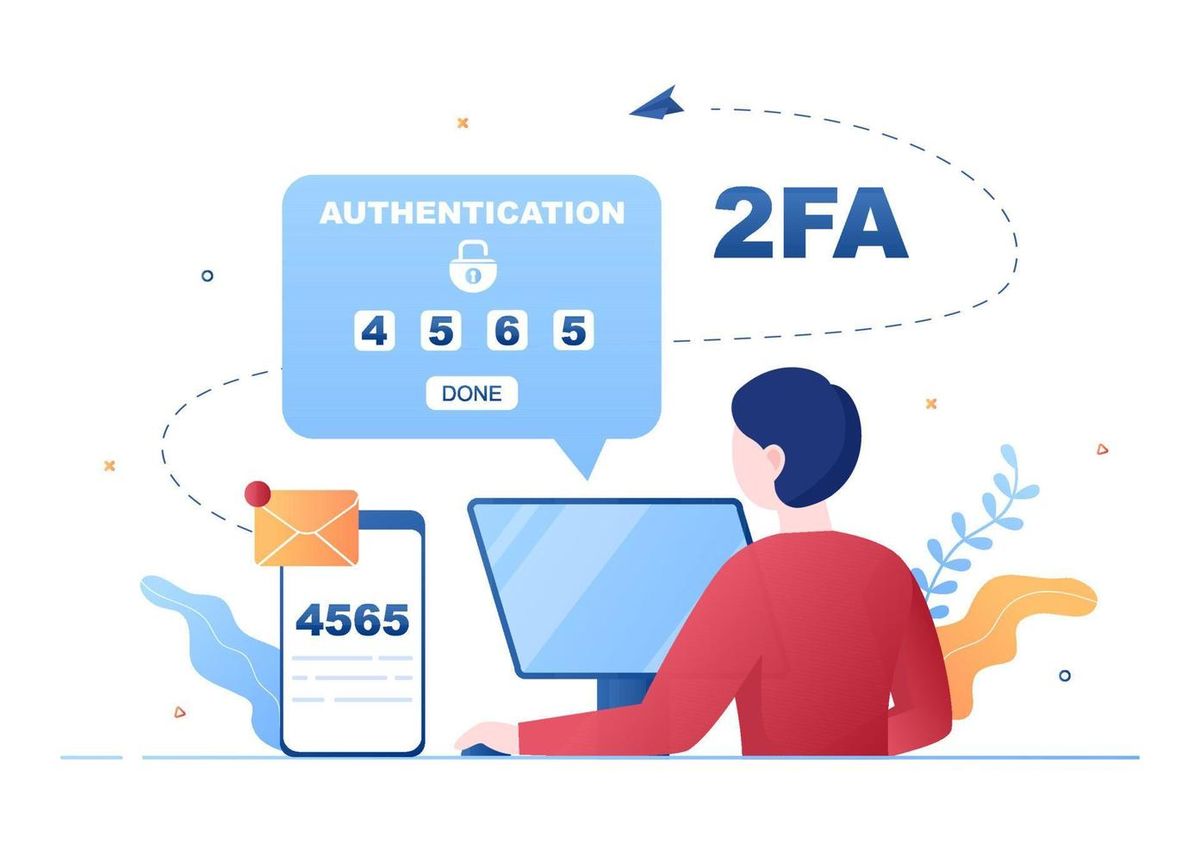
We review the compatible online accounts you use to understand which services contain important information and which accounts may benefit from additional login verification.
We configure supported two-factor authentication methods, such as authenticator applications, security prompts or other available account verification options.
We review and configure available recovery methods, backup codes and trusted information where supported, helping prepare for situations where a primary verification device is unavailable.
We review enabled two-factor authentication settings and important account recovery options to identify potential gaps and help establish a more manageable security approach.
Find answers to common questions about two-factor authentication, authenticator apps, account security, verification methods, recovery options and protecting important online accounts.
Two-factor authentication adds an additional verification step beyond your password. This can help provide extra account protection when a password is exposed, guessed or otherwise compromised.
Important accounts such as email, financial services, cloud storage, social media and other accounts containing personal or sensitive information may benefit from supported two-factor authentication.
Yes. We can help configure a compatible authenticator application and connect it to supported online accounts that offer authenticator-based two-factor authentication.
Recovery options vary by service. Available backup codes, recovery information and other supported account recovery methods can be reviewed and organized to help prepare for the loss or replacement of a verification device.
Two-factor authentication adds another verification requirement in addition to your password. While no security method can guarantee complete protection, using supported additional verification can help strengthen account security compared with relying only on a password.