
Child Device Protection Setup
Configure phones, tablets, and computers with safer settings to help protect children from inappropriate content and unwanted online risks.
Get expert remote assistance to help parents create a safer online environment for children. From device safety settings to privacy controls and digital habits, we help families manage technology with confidence.
Technology plays an important role in everyday life, but keeping children safe online requires the right settings and guidance. Our remote support helps parents secure devices, manage digital access, and build safer technology habits at home.
Configure phones, tablets, and computers with safer settings to help protect children from inappropriate content and unwanted online risks.
Set up practical controls to manage device usage, balance screen time, and encourage healthier digital routines.
Improve account protection with privacy settings, secure passwords, and safer online practices for children and families.
Install and configure parental control features across devices to help parents monitor and manage digital activities.
Create a safer browsing experience by adjusting browser settings, filtering harmful content, and improving online security.
Receive remote guidance for understanding devices, apps, and digital tools used by children every day.
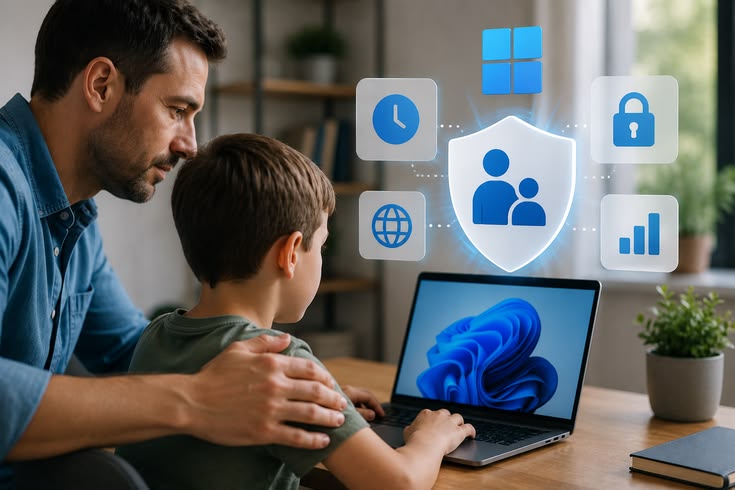

Digital safety is not only about installing controls. It is about creating a secure technology environment where children can explore, learn, and communicate responsibly. Our experts provide remote assistance based on your family’s needs.
We review your current devices, online habits, and safety concerns to suggest suitable protection solutions.
Our team explains digital safety steps in simple language so parents can easily understand and manage settings.
We help configure safety features for computers, smartphones, tablets, and connected devices.
Children use technology for learning, entertainment, and communication. Our remote support helps parents address digital challenges and create a safer online environment without complicated technical processes.
Children may access websites, apps, or content that are not suitable for their age.
Personal information and online accounts need proper protection from digital threats.
Managing device time can become difficult without the right controls.
Parents may need help understanding the apps and platforms children use.
Understand your family’s devices, concerns, and online usage patterns.
Apply suitable privacy controls, restrictions, and safety features.
Create better technology routines with practical recommendations.
Our process makes digital safety assistance simple. We understand your concerns, provide remote guidance, and help configure the right protection features for your family.
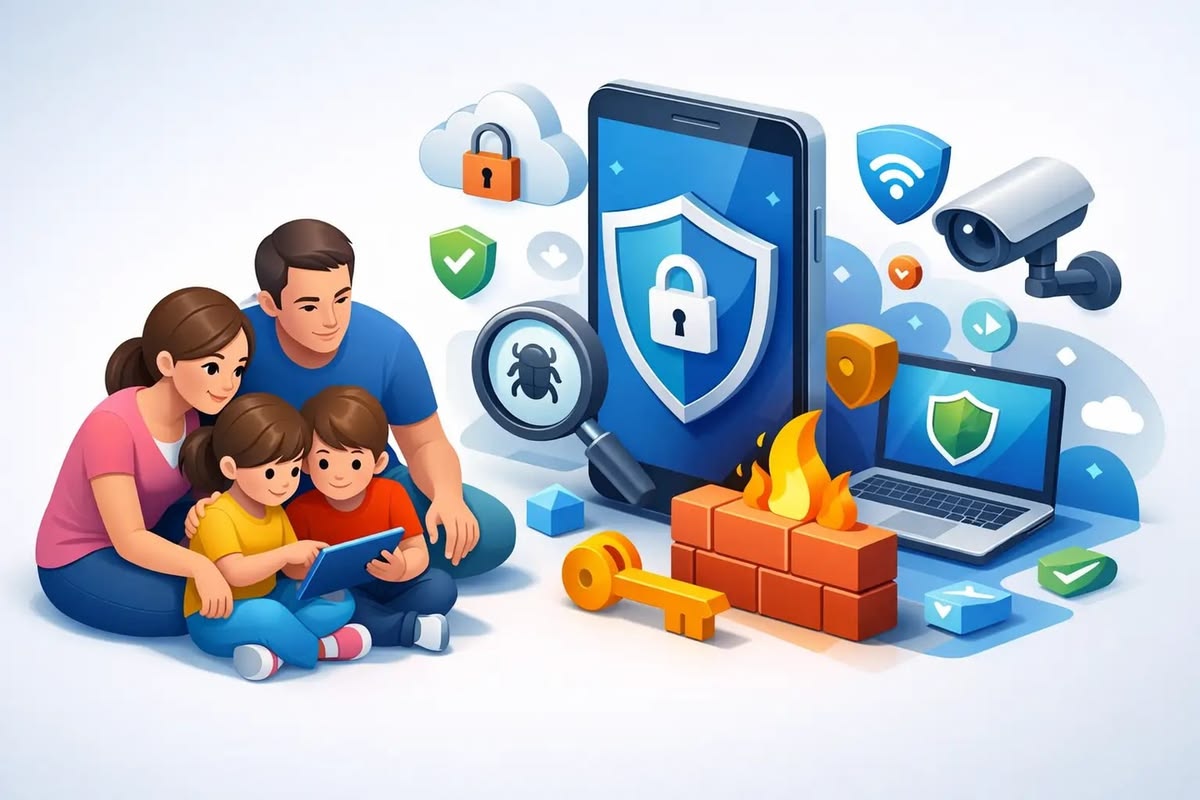
Tell us about your child’s devices, online activities, and the challenges you want to solve.
Our experts understand your existing device settings and identify areas that need improvement.
We remotely configure suitable controls, privacy settings, and protection features.
Get assistance whenever you need help managing digital safety settings.
Get clear answers about our web design services, project process, responsive layouts and website requirements before getting started.
We help parents with parental controls, privacy settings, device safety setup, screen time management, and online protection guidance through remote support.
Yes, our experts provide remote assistance to configure safety settings on supported devices.
Yes, we assist with setting up and adjusting parental control features based on your family’s requirements.
Yes, we help review privacy settings, account protection options, and safer browsing configurations.
Yes, we provide remote digital safety assistance for families throughout the USA.