
Smart Device App Configuration
Get assistance installing the correct device app, creating or connecting accounts, reviewing permissions, and completing the initial configuration.
Setting up smart technology should not turn into hours of app errors, connection failures, and confusing settings. Computer Service provides remote Smart Home Device Setup across the USA to help businesses, startups, and enterprise teams configure compatible connected devices and manage their settings from one p
From connecting a new device to organizing app controls, our remote setup service helps you configure compatible smart technology without waiting for an on-site visit.
Get assistance installing the correct device app, creating or connecting accounts, reviewing permissions, and completing the initial configuration.
We help troubleshoot compatible smart devices that fail to discover, join, or stay connected to your available Wi-Fi network.
Set up compatible smart speakers and displays, connect supported services, review network settings, and configure essential device preferences.
Get remote guidance for connecting compatible smart cameras to their apps, reviewing notifications, adjusting available settings, and checking remote viewing options.
Connect compatible smart plugs and switches to supported apps and configure available schedules, groups, names, and automation settings
Have several connected devices? We help organize compatible devices inside their supported apps so your team can identify and manage them more easily.
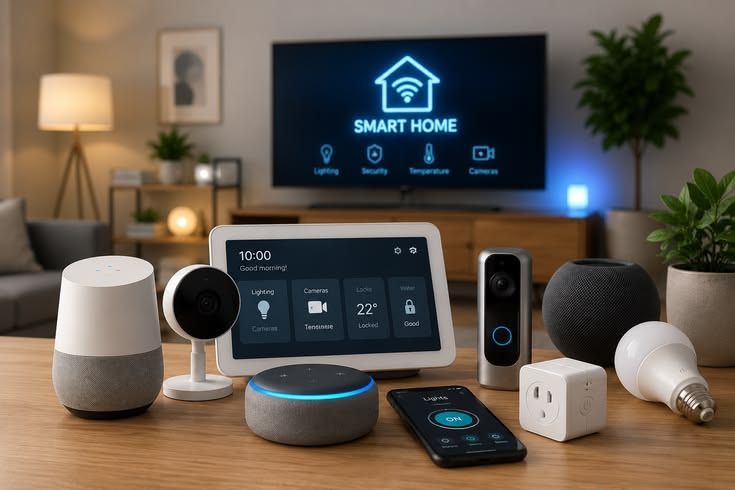
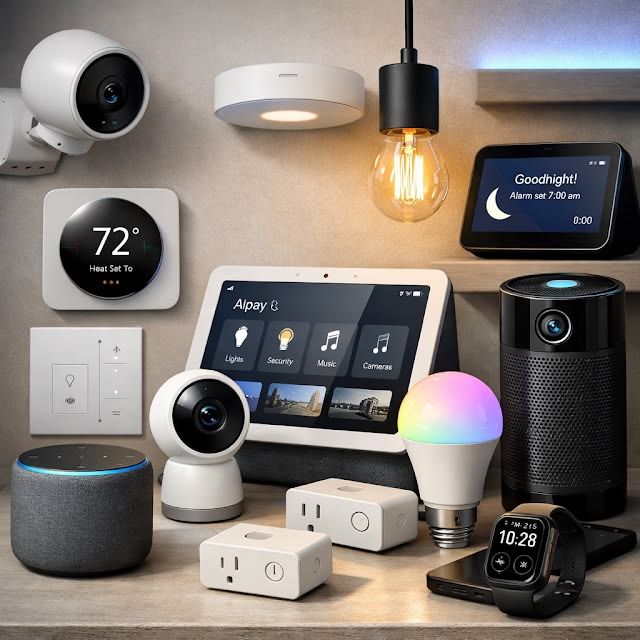
A smart device can be perfectly functional and still become difficult to use because of Wi-Fi pairing, account access, app permissions, or incorrect settings. Our remote service focuses on the actual setup path for your device and environment.
We start with the device you use, its supported application, your available network, and the specific stage where setup stops working.
For offices and growing teams, we help structure compatible device names, groups, app controls, and available settings so everyday management stays easier.
Smart technology often depends on several components working together. The device, Wi-Fi connection, mobile app, user account, and permissions all need the right configuration.
The device may not enter pairing mode correctly or the app may not discover it during setup.
Network selection, credentials, signal availability, or device compatibility can interrupt the connection process.
Incorrect account selection, permissions, verification, or app settings can prevent setup from moving forward.
The smart device may not be compatible with the Wi-Fi network, smartphone, operating system, or app version, which can prevent successful setup and connection.
We first determine the device model, supported app, network environment, and the exact point where configuration fails.
We guide you through relevant Wi-Fi, app, account, permission, and device settings that can affect setup.
We help you work through the available setup options and check whether the device appears correctly in its supported application.
Our remote process focuses on the device you already have and the specific setup steps you need help completing.
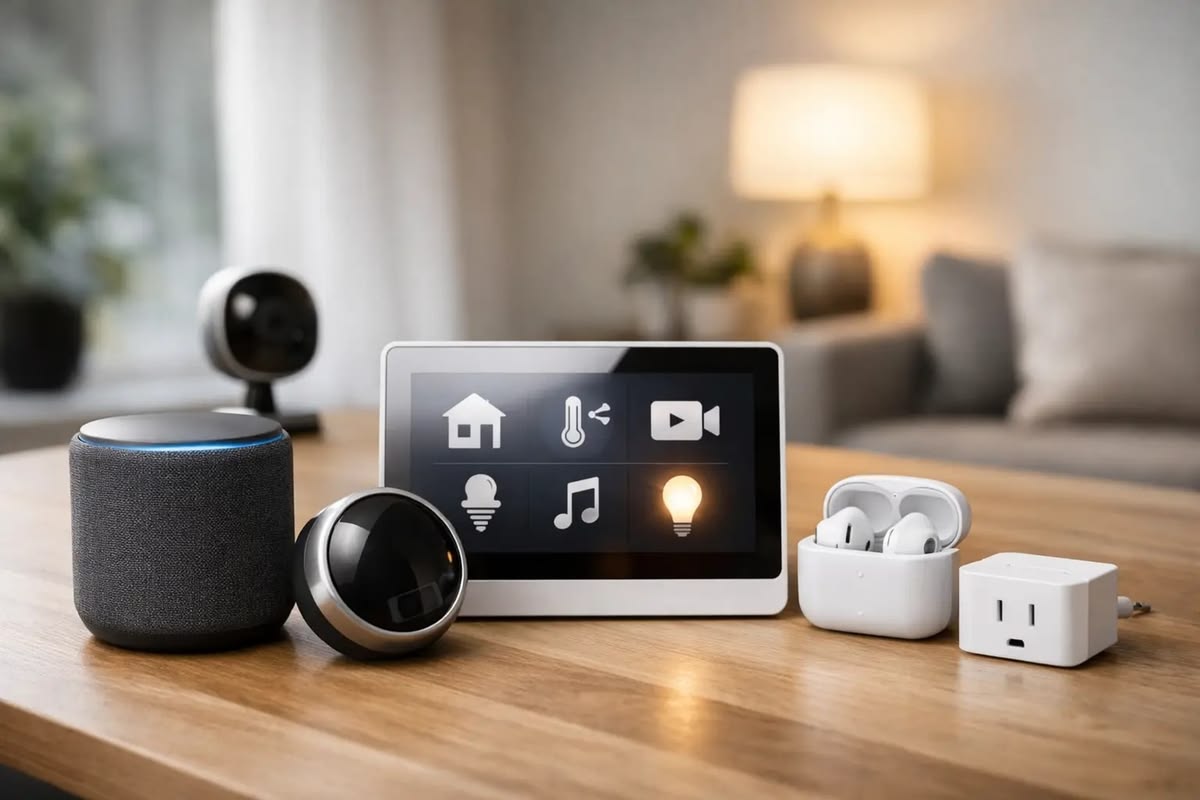
Share the smart device type, model, supported app, and the issue you are experiencing.
We check the relevant setup requirements with you, including available Wi-Fi, app access, account information, and device status.
Our support team guides you through the applicable connection, pairing, app, and device settings remotely.
We help you verify that the compatible device appears correctly and review the relevant controls available through its supported app.
Get clear answers about our web design services, project process, responsive layouts and website requirements before getting started.
We can provide remote setup guidance for many compatible connected devices, including smart speakers, displays, cameras, plugs, switches, and other app-controlled devices. Support depends on the device, manufacturer, application, and whether the required steps can be completed remotely.
Yes. We can help review common connection factors such as network selection, device pairing mode, app settings, credentials, and other relevant configuration requirements. Some hardware, router, or signal problems may require physical troubleshooting.
Yes. Where supported by the device platform, we can help with device naming, grouping, room organization, app settings, and available controls. This can be useful for offices and other business environments that use several connected devices.
Yes. Computer Service provides online Smart Home Device Setup assistance for customers across the USA when the required setup or troubleshooting can be handled remotely.
Our service is remote, so you or someone at the device location may need to perform physical actions such as powering on the device, pressing a pairing button, scanning a code, or checking indicator lights while our team guides you.