
iPhone Backup Setup Assistance
Set up reliable iPhone backups with the right configuration. We help protect your photos, contacts, messages, and important files through secure backup solutions.
Move your photos, contacts, messages, apps, and important files safely with our remote iPhone backup and transfer support. Our experts help individuals, startups, and businesses across the USA manage iPhone data transfers, device upgrades, and backup setups without technical complications.
Whether you are upgrading to a new iPhone, protecting important business data, or organizing your device storage, our remote support team helps you complete every backup and transfer task securely.
Set up reliable iPhone backups with the right configuration. We help protect your photos, contacts, messages, and important files through secure backup solutions.
Move your important data from an old iPhone to a new device, including contacts, photos, apps, and settings with guided remote assistance
Get support with iCloud backup settings, storage management, account configuration, and resolving backup-related issues quickly.
Transfer company contacts, documents, and essential device information when upgrading or replacing business iPhones securely.
Resolve failed backups, storage limitations, connection errors, and transfer interruptions with professional remote support.
Get help configuring your new iPhone, restoring backup data, setting up accounts, and preparing your device for daily use.
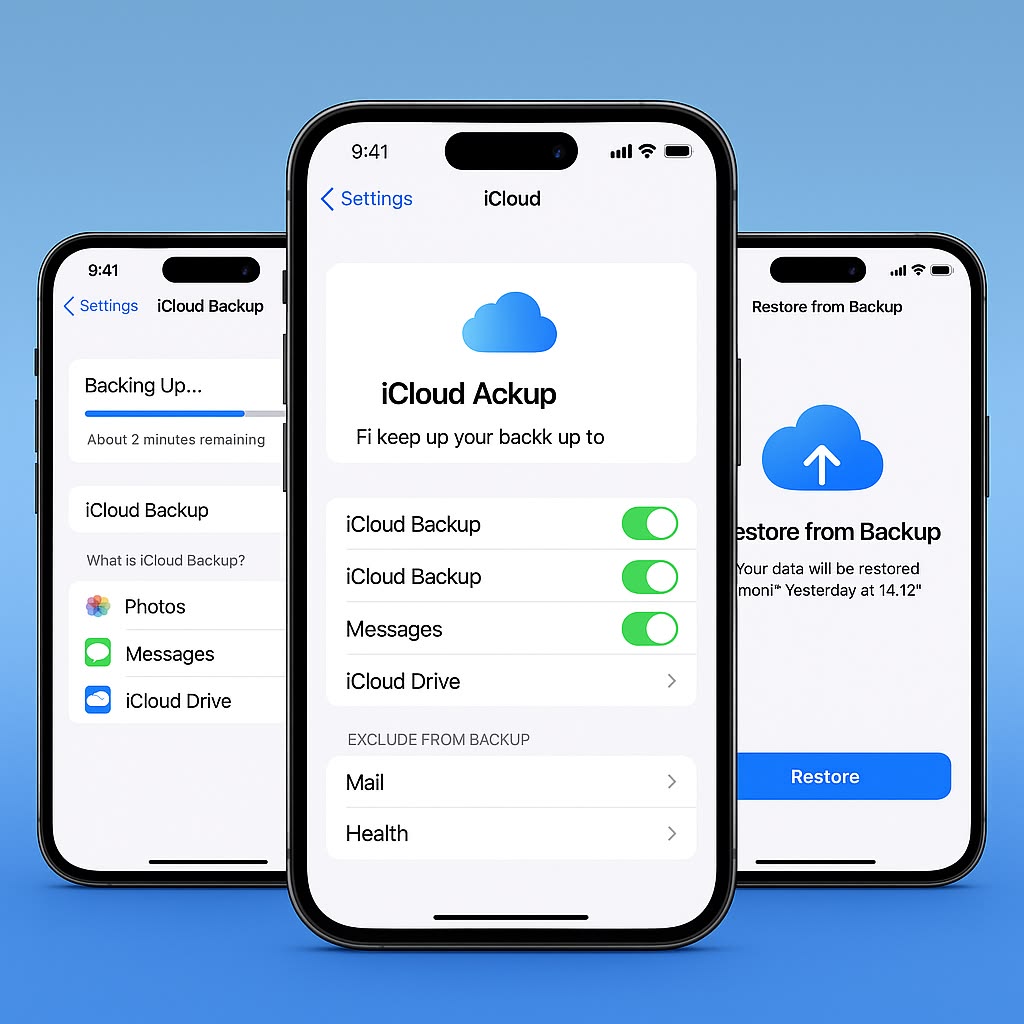
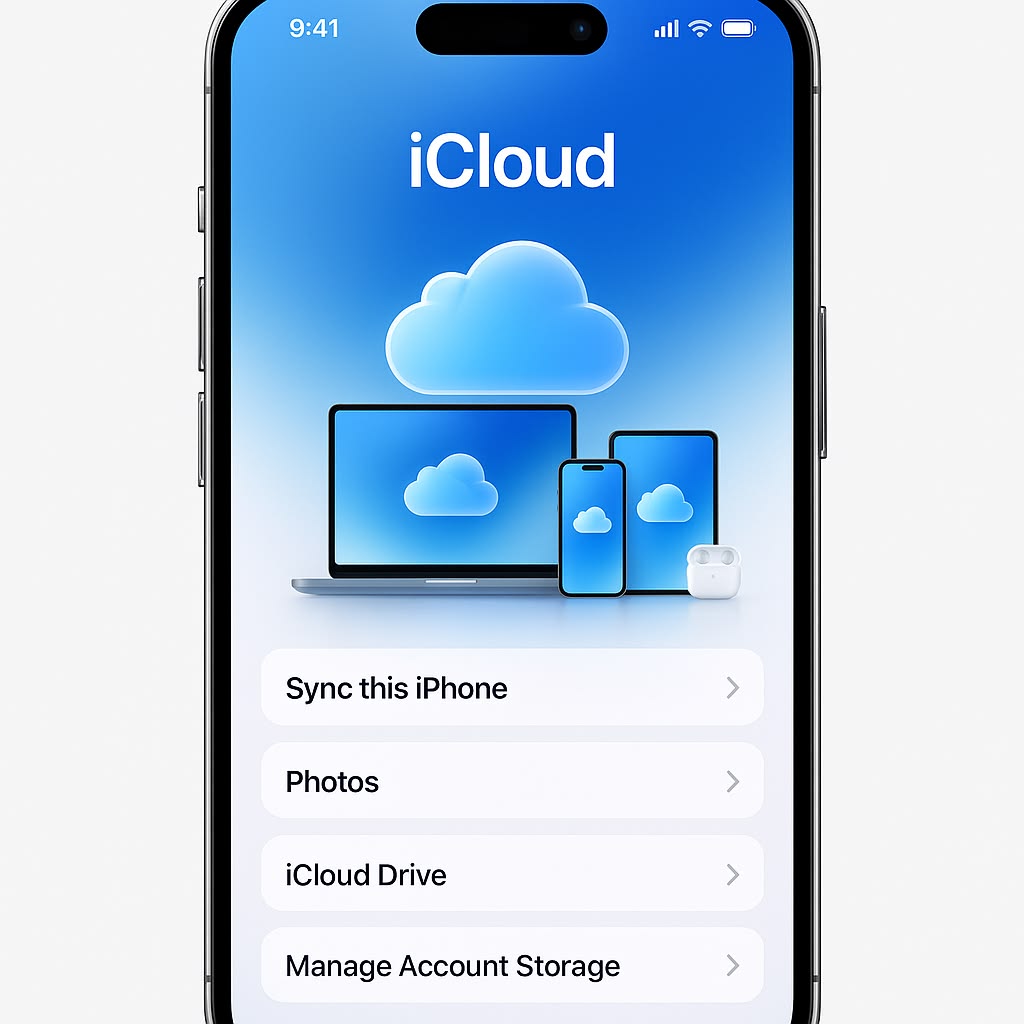
Changing devices can become stressful when important information is stored across your iPhone. Our remote specialists help you prepare, transfer, and organize your data while reducing the risk of missing files or incomplete transfers.
We identify what needs to be transferred, including personal files, business contacts, photos, applications, and device settings.
Our experts help you select suitable backup options based on your storage needs, device condition, and transfer requirements.
We guide you through each step remotely so your new iPhone is ready with the data you need.
iPhone data management can become complicated when storage problems, failed backups, or transfer errors appear. Our remote support helps you resolve these issues with practical solutions.
Resolve failed backups caused by storage limitations or configuration issues
Get assistance managing iCloud and device storage effectively.
Recover access to essential files and prepare secure transfer options
Fix interruptions during device-to-device data movement
We check your iPhone settings, available storage, and backup status
Choose the best approach based on your device and data requirements
Transfer your files, contacts, apps, and settings securely.
Our remote support process helps you complete iPhone backups and transfers with expert guidance from start to finish.
Share details about your current iPhone, backup needs, and transfer goals
Our specialists review your requirements and recommend the right backup or transfer approach.
We guide you remotely through backup setup, data movement, and device configuration.
Receive guidance to maintain better backup practices for future device changes.
Get clear answers about our web design services, project process, responsive layouts and website requirements before getting started.
Yes, our remote support team helps transfer contacts, photos, messages, apps, and other important information from your old iPhone to a new device.
Yes, we provide online iPhone backup and transfer support for customers throughout the USA
Yes, we assist with backup errors, storage issues, iCloud problems, and settings that prevent successful backups.
Yes, we support startups, small businesses, and enterprises with secure iPhone data migration during device upgrades and replacements.
No, our experts guide you through the process remotely and explain each step in simple language.