
Router & Gateway Configuration Review
We inspect relevant router settings and network configuration to identify settings that may contribute to unreliable connectivity or device communication problems.
Slow Wi-Fi, unstable connections, device conflicts, and router configuration issues can affect calls, cloud applications, file transfers, and everyday online work. Computer Service provides remote network health checks across the USA to identify connection problems and help you understand what needs attention.
A reliable network depends on more than internet speed. Router settings, Wi-Fi coverage, connected devices, DNS configuration, software settings, and local network conditions can all influence performance. Our remote health check examines the areas most likely to create connection problems.
We inspect relevant router settings and network configuration to identify settings that may contribute to unreliable connectivity or device communication problems.
We help evaluate weak connections, recurring Wi-Fi drops, inconsistent wireless performance, and device-specific connection problems.
Incorrect DNS or network adapter settings can affect browsing, online applications, and cloud access. We review these configurations and recommend suitable corrections
We assess common wireless and router security settings, including network access configurations and settings that may unnecessarily expose the connection.
We help businesses investigate connection problems affecting video meetings, browser-based tools, cloud platforms, email access, and other internet-dependent workflows.
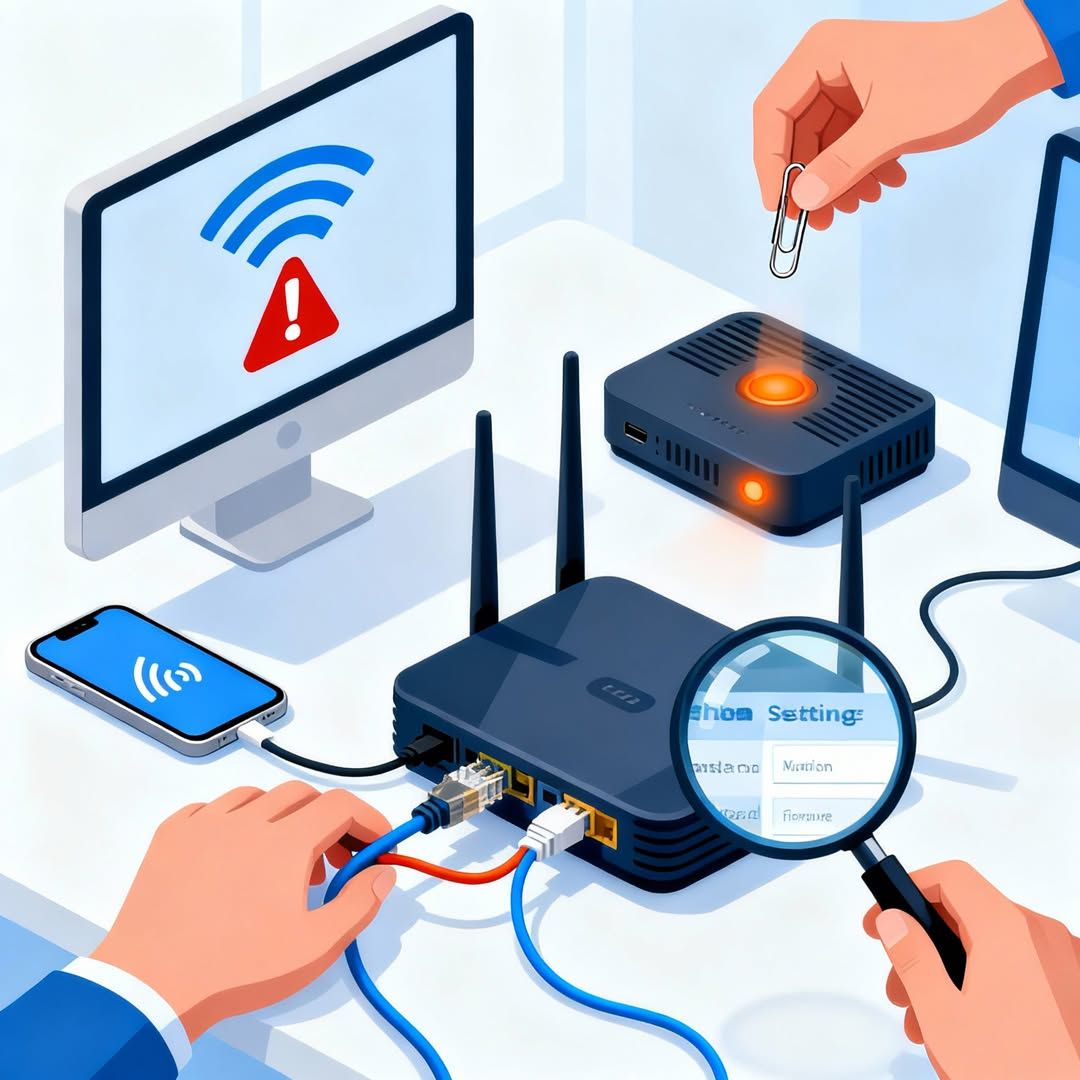
Replacing a router or upgrading an internet plan does not always solve a network problem. A configuration error, wireless interference, device setting, outdated network software, or DNS issue may produce similar symptoms.
We review the behavior you are experiencing rather than relying solely on a basic internet speed result.
Our assessment helps determine whether the problem appears to come from your computer, Wi-Fi environment, router configuration, or external internet connection.
We explain what we find and outline practical actions rather than recommending unnecessary changes without reviewing the network first.
Internet problems can look similar even when they have different causes. A structured review helps narrow the issue before you spend time changing unrelated settings or equipment.
Wireless coverage may vary because of router placement, environmental interference, or signal limitations.
Network instability, bandwidth pressure, device configuration, or internet service issues can interrupt online meetings.
Individual network adapter settings, saved Wi-Fi profiles, IP configuration, or compatibility issues may affect specific devic
The problem may involve wireless conditions, background network activity, local configuration, or the internet connection itself.
We first identify when the problem occurs, which devices it affects, and whether it happens continuously or intermittently.
Our technician reviews supported device and network settings associated with the reported issue.
We separate device-level, Wi-Fi, router, and provider-related indicators whenever the available diagnostics allow it.
Our remote process gives businesses a structured way to investigate network problems without scheduling an onsite visit.
Describe slow connections, Wi-Fi drops, inaccessible websites, device connection failures, meeting interruptions, or other symptoms.
After your session begins, our technician reviews the supported computer and relevant network information needed for the assessment.
We explain the results in straightforward language and provide practical recommendations based on what the remote review identifies.
Get clear answers about our web design services, project process, responsive layouts and website requirements before getting started.
Depending on the issue and available access, we can review network adapter settings, Wi-Fi connection behavior, DNS configuration, connected-device symptoms, router-related settings, internet performance indicators, and other software-level network conditions.
Yes. Computer Service provides remote support across the USA. Many software, configuration, connectivity, and device-level network issues can be investigated through a remote support se
No. Some problems originate from damaged hardware, physical cabling, local interference, service outages, or internet provider infrastructure. Our goal is to identify likely causes remotely and clarify the next practical action.
Yes. If other devices work normally but one computer experiences slow internet, Wi-Fi drops, DNS errors, or connection failures, we can investigate settings on the affected computer remotely.
Yes. Startups, small businesses, and larger organizations can use remote network health checks to investigate connectivity problems affecting employees working from home or distributed locations.