
Driver Update & Compatibility Checks
We review installed drivers and identify outdated, incompatible, or problematic versions that may affect your hardware.
Outdated, conflicting, or incorrectly installed drivers can affect device performance, connectivity, printing, graphics, audio, and other essential hardware functions. Computer Service provides remote driver optimization for businesses across the USA, helping teams keep computers and connected hardware working properly.
Driver problems can appear after Windows updates, hardware changes, software installations, or long periods without maintenance. Our remote service focuses on identifying driver-related issues and correcting them without requiring an onsite visit.
We review installed drivers and identify outdated, incompatible, or problematic versions that may affect your hardware.
We help align essential device drivers with your Windows environment to reduce conflicts and improve system stability.
Resolve common display, resolution, performance, and graphics-related issues linked to incorrect or outdated GPU drivers.
Install or correct the drivers required for printers, scanners, and multifunction devices so your team can use them without unnecessary interruptions.
Driver issues can affect Ethernet, Wi-Fi, and other network hardware. We check the relevant drivers and help restore proper connectivity.
We assist with driver-related problems affecting speakers, microphones, webcams, USB devices, keyboards, mice, and other connected hardware.
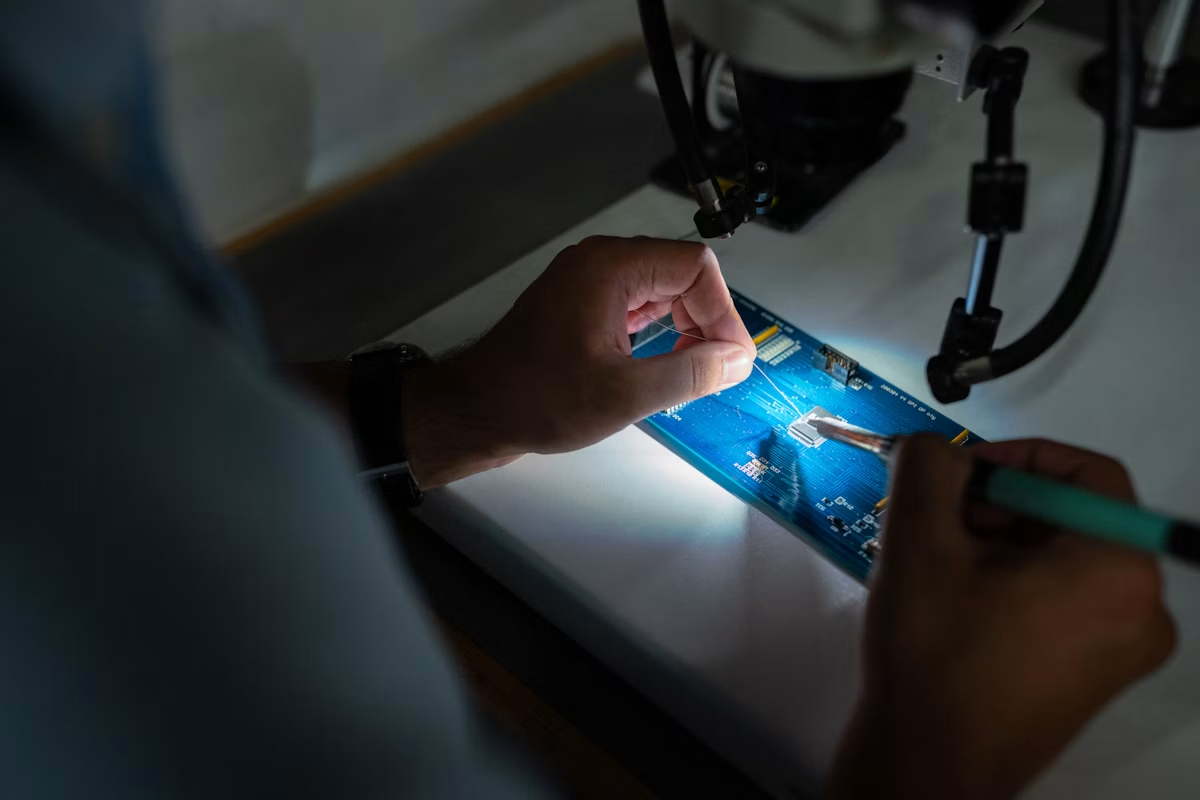
A single driver problem can affect a workstation, connected device, or an important business task. Our remote support focuses on identifying the driver or hardware configuration behind the issue and applying the appropriate fix.
Address driver conflicts that can interfere with displays, network adapters, audio equipment, printers, and other business hardware.
Check driver and operating system compatibility before applying updates or configuration changes.
Help businesses manage driver issues across different computers, hardware models, and connected peripherals.
A driver issue can affect one component or create problems across your entire computer. We help narrow down the source and apply the appropriate fix remotely.
Help restore communication when Windows fails to detect connected hardware.
Investigate recurring messages linked to problematic or incompatible drivers.
Check whether outdated or incorrectly configured drivers contribute to slow hardware response.
Troubleshoot installation errors and identify the driver version your hardware requires.
We examine the affected hardware, installed drivers, and relevant system details.
We determine which driver version and configuration best match your hardware and operating environment
We update, reinstall, configure, or correct the relevant driver through remote assistance.
Our remote support process keeps driver troubleshooting straightforward. We first understand the hardware issue, then identify the correct driver requirement and make the necessary changes.
Tell us which device is affected, what changed, and what symptoms you are experiencing.
We review the relevant hardware, installed driver versions, compatibility details, and system behavior.
We update, reinstall, replace, or configure the required driver based on the system findings.
We verify that the affected device responds correctly and that the original driver-related problem has been addressed.
Get clear answers about our web design services, project process, responsive layouts and website requirements before getting started.
Yes. Our team provides remote driver assessment, troubleshooting, updates, and configuration support for customers across the USA.
Yes. We can review the recent driver change, check compatibility, and determine whether the driver needs to be corrected, replaced, or reconfigured.
Yes. We can assist with drivers for commonly used business hardware such as printers, network adapters, displays, audio devices, and other supported computer components.
They can. Outdated or incompatible drivers may contribute to hardware errors, instability, reduced functionality, or poor device response.
No. Computer Service provides remote assistance, so you can receive driver troubleshooting and optimization without taking your computer to a physical location.