
Phone Activation & Initial Configuration
We help activate your new device, complete basic settings, connect networks, and configure essential options for a ready-to-use phone experience.
Get your new phone ready for work, communication, and daily use with professional remote setup assistance. Computer Service helps individuals and businesses configure new smartphones, transfer important data, connect essential accounts, and set up device features securely from anywhere in the USA.
Setting up a new phone involves more than turning it on. Our remote support team helps you configure your device correctly, move your important information, and prepare your phone for personal or business use.
We help activate your new device, complete basic settings, connect networks, and configure essential options for a ready-to-use phone experience.
Move contacts, photos, documents, messages, and important files from your old phone to your new device with secure remote guidance.
Set up business or personal email accounts, cloud accounts, and essential login settings so you can access your information without delays.
Install required applications, configure permissions, and arrange apps based on your daily workflow and business requirements.
Enable important protection features including screen locks, account security options, backup settings, and privacy controls.
Adjust device settings, remove unnecessary configurations, and improve your phone experience for smoother everyday usage.
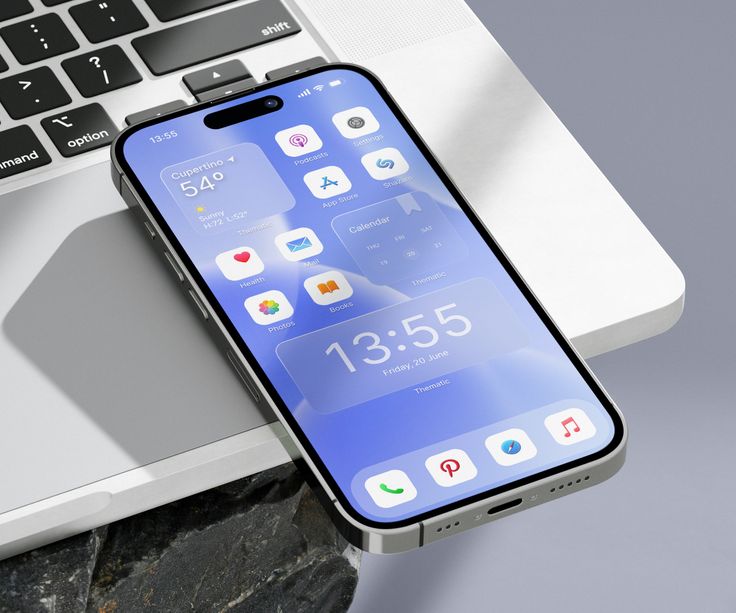
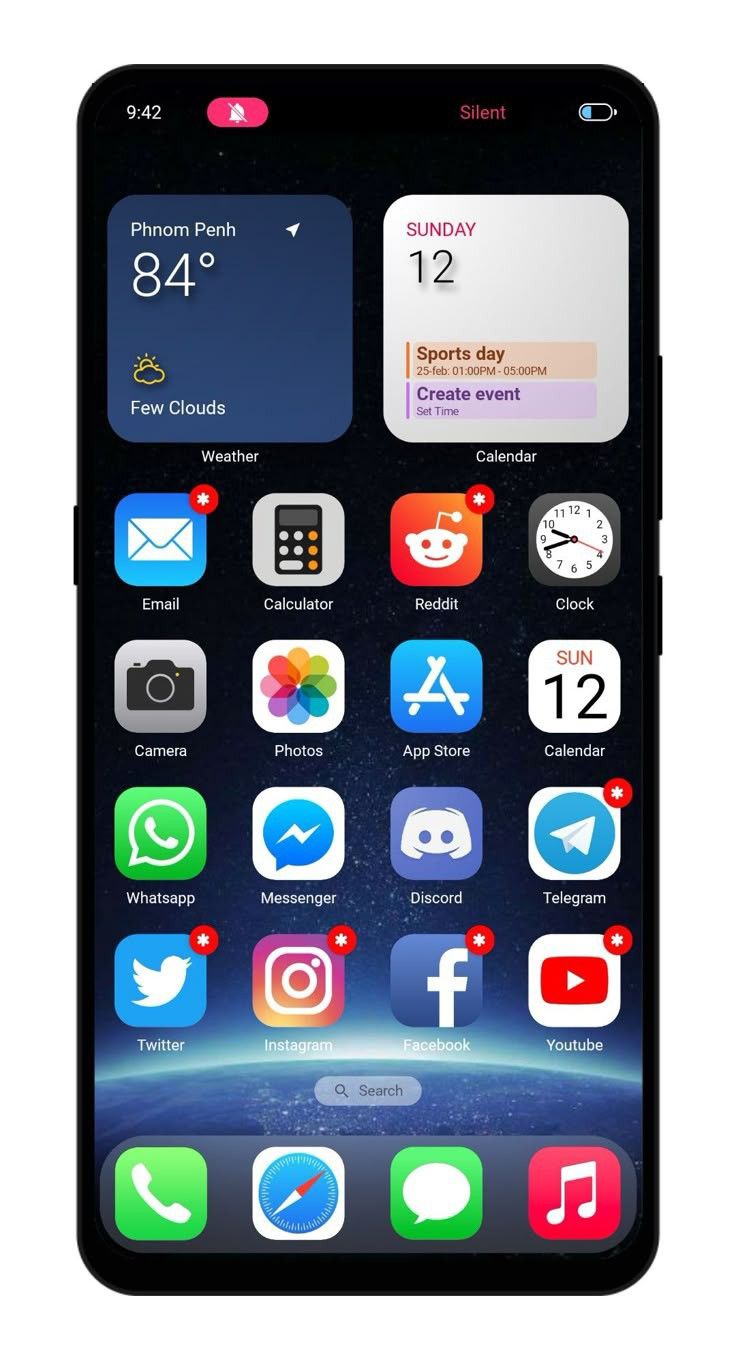
A new phone should help you stay productive, not create setup confusion. Our remote specialists guide you through every important step and make sure your device works according to your requirements.
Whether you need a phone for business communication, customer management, or personal use, we configure settings based on how you use your device.
Get expert phone setup help without visiting a service center. Our technicians provide online support wherever you are located.
We follow careful setup practices while assisting with account connections, transfers, and device configurations.
A new smartphone comes with many settings, accounts, and features that require proper configuration. We simplify the setup process and help you start using your device without unnecessary delays.
We help transfer essential information from your previous device so you can continue working without losing important files.
Our team assists with email, cloud accounts, and device login setup to ensure everything connects properly.
We guide you through important features, security options, and customization settings.
We help install, configure, and troubleshoot applications required for personal or professional use.
We understand your device type, usage needs, and the features you want to configure.
Our experts help set up accounts, transfer information, and adjust important device settings.
We check that your apps, accounts, connectivity, and security settings function correctly.
Our structured approach makes phone setup easier for individuals, startups, and businesses across the USA.
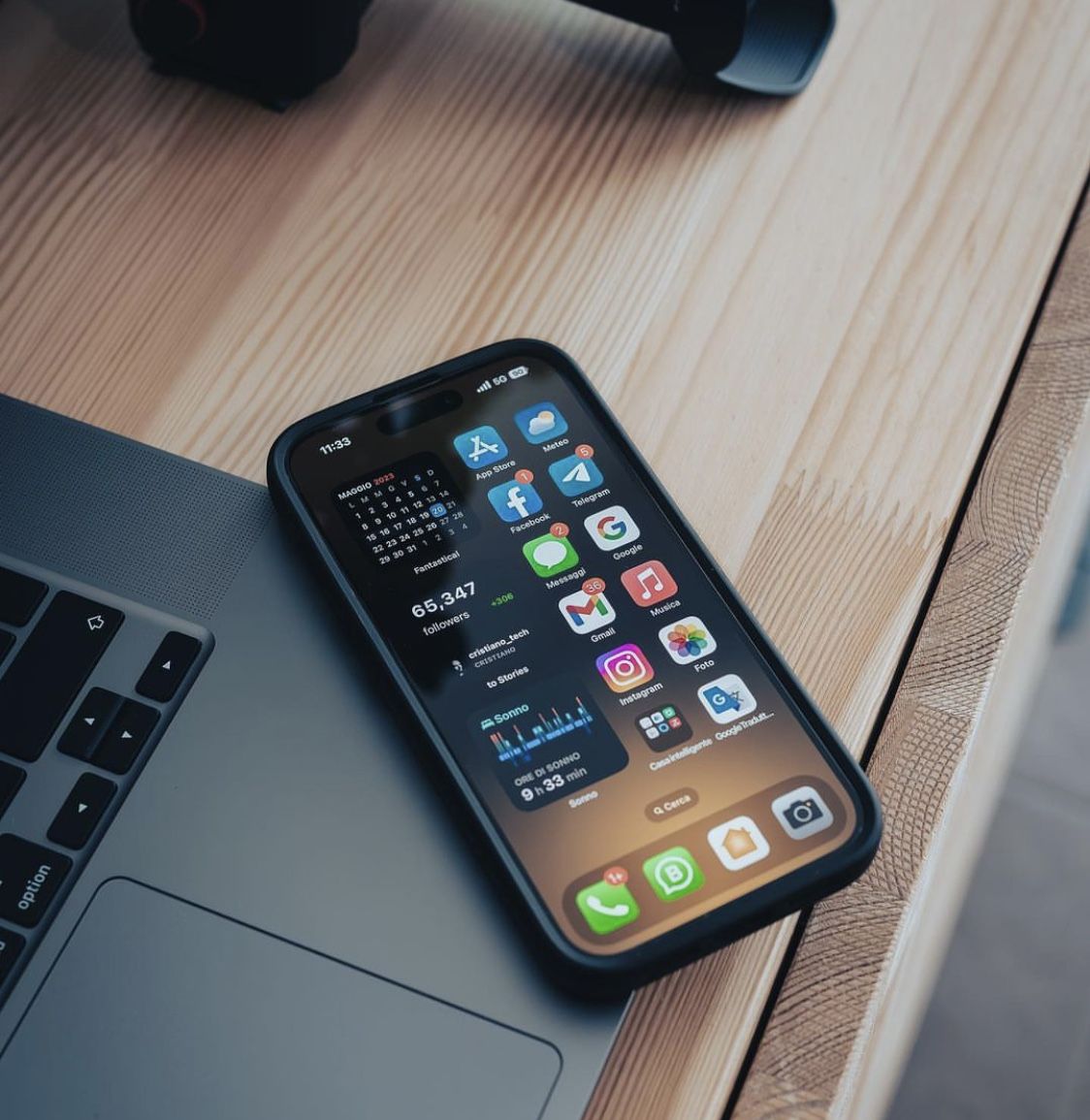
We review your phone model, previous device details, and setup requirements.
We identify what needs to be transferred, installed, connected, or customized.
Our specialists guide you through device settings, accounts, apps, and security options.
We verify that your phone is ready and explain important features for future use.
Get clear answers about our web design services, project process, responsive layouts and website requirements before getting started.
We help with new phone activation, account setup, data transfer, app installation, security configuration, and device customization.
Yes, we assist with transferring contacts, photos, files, messages, and other important information to your new device.
Yes, Computer Service provides online phone setup assistance across the USA without requiring an in-person visit.
Yes, we help businesses configure phones with work accounts, productivity apps, email access, and required settings.
Yes, our team can assist with incomplete setups, account issues, missing settings, and configuration problems.