
Cloud Backup Setup & Configuration
Configure a structured cloud backup environment around your business files, applications and important data so critical information is copied to appropriate cloud storage according to defined backup requirements.
Keep important business files, system data and digital resources securely backed up and accessible when recovery is needed. We help businesses plan, configure and organize cloud backup environments around data priorities, storage requirements and recovery needs.
From initial backup planning and cloud storage configuration to automated schedules, retention settings, recovery preparation and ongoing monitoring, our cloud backup setup services help businesses maintain dependable copies of important data while reducing reliance on local storage alone.
Configure a structured cloud backup environment around your business files, applications and important data so critical information is copied to appropriate cloud storage according to defined backup requirements.
Create scheduled backup routines for selected business data so backups run at appropriate intervals without depending entirely on employees to manually copy important f
Organize backups for important documents, shared files, application data and other supported business information based on operational importance, storage capacity and recovery requirements.
Configure retention periods and available backup versions to help businesses maintain appropriate historical copies of files and data according to operational and storage requirements.
Prepare recovery procedures for backed-up files and supported data so businesses have a clearer process for retrieving information after accidental deletion, file corruption or other data-loss situations.
Review backup activity, storage usage, scheduled jobs and backup status to identify failed backups, capacity concerns and configuration issues that may affect data availability when recovery is required.
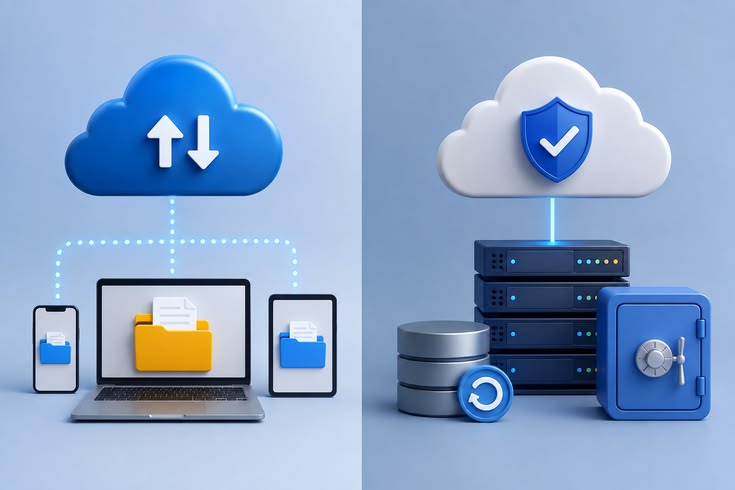
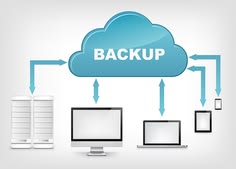
Cloud backup is more than copying files to online storage. We focus on identifying important data, determining suitable backup frequency, configuring retention requirements and preparing recovery procedures so your backup environment supports actual business continuity needs.
We review important files, application data, storage locations and operational dependencies to determine what should be backed up and how frequently backup copies may be required.
We configure appropriate backup schedules around changing business data so important information is copied regularly instead of depending on occasional manual backups.
We consider how backed-up information may need to be retrieved, helping establish practical retention, versioning and recovery arrangements before an unexpected data-loss situation occurs.
Businesses continuously create documents, customer records, project files, application data and other digital information that may be difficult or impossible to replace. Keeping the only copy on local computers or storage devices can create unnecessary risk. A structured cloud backup setup provides an additional copy of important data and a clearer path to recovery when files are lost, damaged or accidentally removed.
Important files may exist across computers, shared folders, applications and storage devices. Without identifying these locations, critical business data can be unintentionally excluded from backup routines.
Manual or inconsistent backups can create large gaps between available copies, potentially leaving recently created or updated business information unavailable during recovery.
Keeping too few backup versions may limit recovery options, while retaining unnecessary copies for too long can consume storage capacity and make backup management more difficult.
Unnoticed Backup Failures A scheduled backup does not guarantee that data was successfully copied. Failed jobs, storage limitations or configuration issues can remain unnoticed without regular backup status reviews.
We identify relevant files, folders, supported application data and storage locations so backup configurations are built around the information your business depends on.
We configure scheduled backup routines and appropriate retention settings to help maintain current and organized copies of important business da
We consider restoration requirements during backup planning so available copies, versions and recovery procedures can be used more effectively when information needs to be retrieved.
Our cloud backup setup process begins by reviewing important business data and existing storage before planning backup coverage, configuring automated cloud backups and checking that the environment is prepared for ongoing backup and recovery requirements

We review files, folders, supported application data, existing storage locations and current backup arrangements to identify what information should be included in the cloud backup environment.
We determine suitable backup destinations, schedules, retention requirements and data priorities to establish a structured approach based on your business operations and recovery needs.
We configure supported cloud backup services, select appropriate data sources, establish backup schedules and apply relevant retention and storage settings according to the planned environment.
We review backup status, configured schedules, available copies and recovery options to identify configuration issues and confirm that the backup environment is operating as intended.
Find answers to common questions about cloud backups, automated scheduling, storage, retention, recovery and protecting important business information from unexpected data loss.
Cloud backup creates additional copies of selected files or data and stores them on remote cloud-based infrastructure. These copies can provide another recovery option if original information is deleted, corrupted, damaged or otherwise becomes unavailable.
Businesses commonly back up important documents, customer records, project files, financial information, shared folders and supported application data. The appropriate backup scope depends on where your information is stored and how important it is to daily operations.
Yes. Supported cloud backup solutions can be configured to run automatically at scheduled intervals. The appropriate frequency depends on how often your business data changes and how much recent information you could reasonably afford to lose.
Yes, if the required file was successfully backed up and remains available within the configured retention period. Available recovery options depend on the backup service, version history, retention settings and the date of the available backup copy.
Backup frequency depends on how frequently your data changes, its importance to operations and your recovery requirements. Frequently updated or business-critical data may require more regular backups than files that rarely change.